power of the pitch week · ai operations
Your co-pilot for the whole company, inside Zoom.
ZoomMate is an AI add-on for Zoom. After every call it writes the summary, drafts the follow-up and updates your CRM. The rest of the week it does the jobs you type in: the investor update, the research, the deck.
- By the end of this week you will have:
- A summary and a drafted follow-up after every call.
- A job that runs on its own every week.
- A deck or update it wrote from your calls.
ZoomMate plan, from $20 a user a monthNorth America, in English
ZoomMate is ready to help.
Investor update, week of Nov 2
Numbers42 customers, revenue up 18%, 14 months of runway
ShippedThe team plan, live on Tuesday
AskIntros to two fintech seed funds
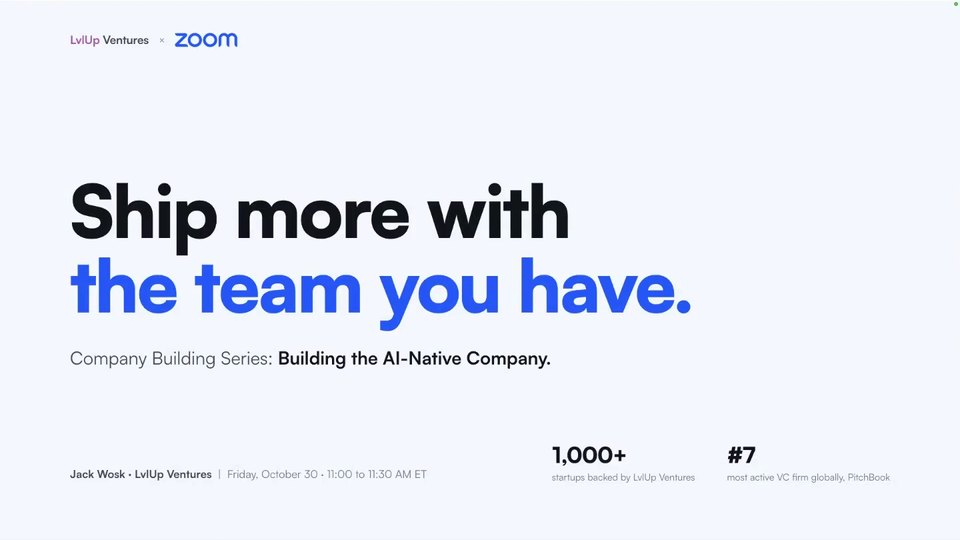 15 min video · Company Building SeriesZoomMate: call summaries, decks and a job that runs itselfJack Wosk from LvlUp walks through each step.
what it is
One teammate, three jobs.
After every call
Summary in your inbox, follow-up drafted, CRM updated. You read and send.
Whatever you hand it
A deck, a doc, a sheet, a research question. Type it in plain words.
On a schedule
A brief every morning, an update every Friday. Set it once.
Among the 200+ investors, operators and ecosystem partners at Pitch Week.
Flip three switches.
You do this once. It works after every call from then on.
- Turn on Zoom's AI. At zoom.us, open Admin Center, then Settings, then Zoom AI. Switch on Meeting summary with AI and tick Auto-start.
- Add ZoomMate to your Zoom account. It shows up as its own tab in the Zoom app.
- Connect one tool in ZoomMate's settings, under Connectors: Salesforce, Slack or Gmail.
Can't see ZoomMate? It is rolling out in North America, in English, for accounts bought from Zoom directly. Zoom AI and AI Companion are the same features under two names.
Let it handle the work after every call.
The call goes the way it always did. No bot joins.
- Take the call. On Zoom the note starts by itself. On Meet or Teams, click New Note when Zoom offers it.
- Read the summary in your inbox: decisions and next steps.
- Check the drafted follow-up, fix names and numbers, and send it the same day.
- Check the CRM. With Salesforce connected, ZoomMate can update the record for you.
Late to a call? Click the AI diamond at the top right of the meeting and ask it to catch you up. Only you see the answer.
Hand it the jobs you keep putting off.
Type the job in plain words. It reads your calls, your chats and the tools you connected.
- Ask for a deck, a doc or a sheet. Tick the calls and files it should read.
- Ask about your business: who did we promise a demo? What did the last three customers ask for?
- Ask it to research a competitor, or a fund before a call.
Draft our investor update from this week's calls: three numbers, what we shipped, and one ask.
On the Apollo track too? Ask ZoomMate about a prospect and Apollo answers. Connecting apps.
Put the weekly jobs on a schedule.
Tell it once. It repeats the job without you.
- Every morning at nine: a brief on today's calls and open follow-ups.
- Every Friday: draft the investor update from this week's calls.
- Every weekday at five: a follow-up tracker for the day's calls.
Use it on your pitch calls too.
A bonus, not the assignment. The follow-up is drafted before you hang up.
- Before each call, ask what you last told that fund.
- Send every follow-up the same day. At LvlUp we see the fast follow-up get the second meeting.
- Tell the judges what ZoomMate runs for you.
your snapshot
What to send in your Snapshot.
In the Operating Snapshot, linked in your email from us, by the date in that email: one screenshot of each, plus a line on what it does for you.
- One connected tool.
- One job on a schedule.
- One deck or update it wrote.
- The follow-up it drafted after a real customer or investor call.
Show the work it runs for your company. Using it on your pitch calls is a bonus.


Start here.
Flip the three switches today. Let it take tomorrow's calls.
Already on ZoomMate? Go to step 3.